

Search ‘best WordPress theme for small business’ and you’ll find a hundred listicles recommending 20+ themes, most of which they’ve never actually used. The goal seems to be covering every possible option so that no one can complain something was left out. You end up with a tab full of reviews that all say the same thing, a shortlist that keeps growing, and somehow still no clear answer. That’s not particularly helpful when you just want to launch your site and get on with running your business.
This is a shortlist of 7 themes that are genuinely worth considering for a small business website in 2026 with honest notes on what each one is good at, where it falls short, and who it’s actually for. Read it once, pick your theme, and go build something.
First: 'Small Business' Covers a Lot of Ground
Before diving in, it’s worth acknowledging that ‘small business website’ means wildly different things depending on who you are. The right theme for a local plumber is different from the right theme for a freelance brand designer which is different again from a solopreneur who runs a content-led business built around their personal brand.
For this post, here are the three small business types I’m writing for:
| Type | Examples |
|---|---|
| Service business | Consultants, coaches, agencies, freelancers, accountants; sites that showcase services and generate enquiries |
| Local / brick-and-mortar | Cafés, salons, gyms, tradespeople; sites that show location, hours, and build local credibility |
| Creator-entrepreneur | Bloggers, course creators, writers, coaches with a content-led brand; sites where the content IS the business |
Each theme in this roundup will call out which type it suits best, so you can skip straight to what’s relevant to you.

What to Look For in a Small Business Theme
Five things that actually matter:
- Speed and Core Web Vitals. Google uses page speed as a ranking factor, especially on mobile. A bloated theme will hurt your SEO before you’ve written a single post. Look for themes known for lightweight code.
- Gutenberg / block editor compatibility. The native WordPress editor has come a long way. A theme that works well with it means you’re not dependent on a third-party page builder to build your pages.
- Customizer control without lock-in. You should be able to change fonts, colours, and layouts without touching code, and without being trapped in a proprietary builder ecosystem if you ever want to switch.
- WooCommerce support. If you’re selling anything: products, services, digital downloads, check that the theme plays nicely with WooCommerce before you commit.
- Room to grow. Your site will evolve. A theme that offers genuine layout flexibility means you won’t be rebuilding everything in two years when your business looks different.
The 7 WordPress Themes Worth Considering
In order from most general-purpose to most specialist:
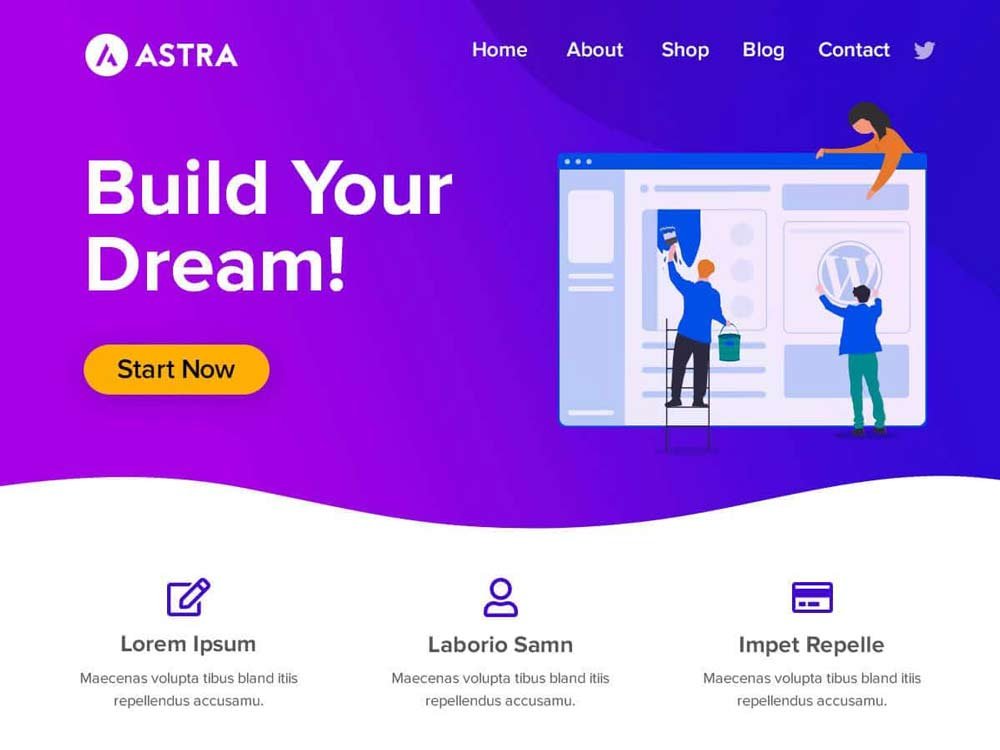
1. Astra — The Swiss army knife
Best for: Agencies, startups, general-purpose business sites
Price: Free core / Pro from $59/yr
Standout: Over 1.8 million active installs, huge library of starter templates, deep WooCommerce and LMS integration. Plays well with every major page builder.
Worth knowing: Can get bloated if you enable too many modules. Works best when you’re intentional about what you turn on.
Astra is the default choice for most WordPress professionals for a reason. It’s fast when configured correctly, has more starter templates than any other theme, and works with basically everything. If you’re not sure what you need, Astra is a safe starting point.
Best for: Service businesses and agencies who want maximum flexibility and a huge template library to start from.
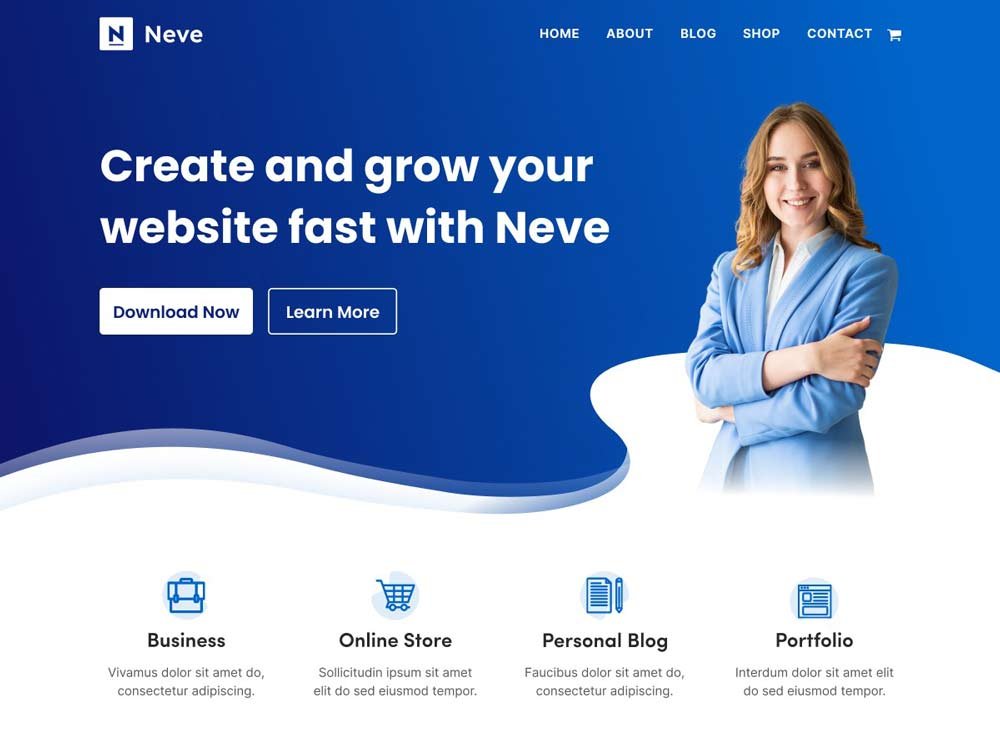
2. Neve — Fast and beginner-friendly
Best for: Small business owners who want to launch quickly without fuss
Price: Free / Pro from $69/yr
Standout: Genuinely mobile-first design, sub-second load times in testing, easy header/footer builder, solid starter template library.
Worth knowing: The default design is quite minimal, so you’ll need the starter templates or some styling effort to make it look distinctive.
Neve is the theme you reach for when someone asks ‘what’s the easiest way to get a professional-looking business site up fast?’ It won’t win design awards out of the box, but it loads fast, looks clean, and gets out of your way.
Best for: Local businesses and service providers who want a clean, credible site without a steep learning curve.
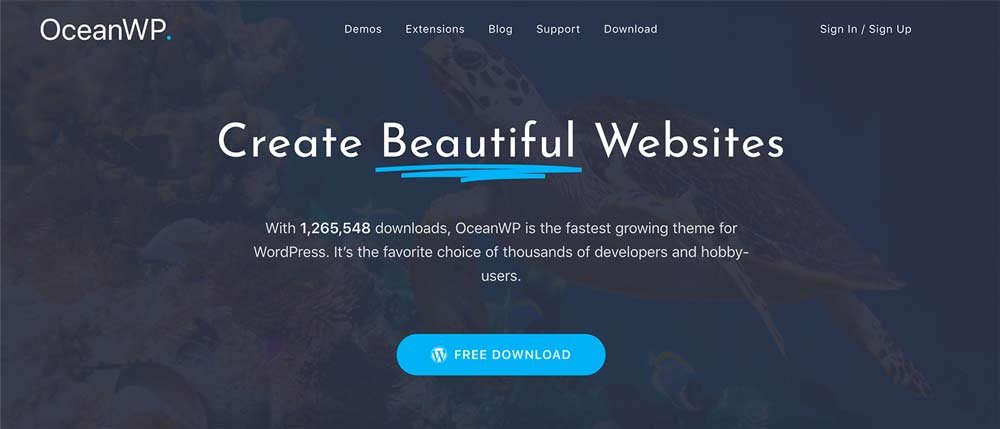
3. OceanWP — The WooCommerce workhorse
Best for: Businesses selling products or services online
Price: Free / extensions from $35/yr
Standout: Deep WooCommerce integration including custom cart pop-ups, quick view, and shop-specific optimisations. Highly customisable from the Customizer alone.
Worth knowing: The settings can feel overwhelming for beginners. Better suited to people who enjoy tweaking than those who want a quick launch.
OceanWP has been around for years and has earned its following. If your small business involves selling online, the WooCommerce-specific features it packs into even the free version are hard to beat. Just be prepared for a more complex setup than Neve or Astra.
Best for: Small e-commerce businesses and service providers who want detailed control over their shop experience.
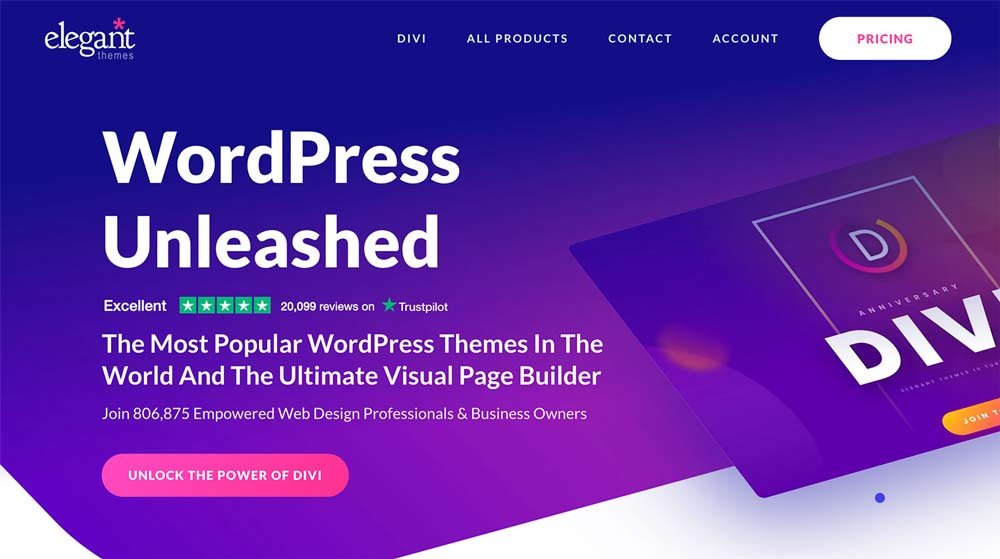
4. Divi — The visual builder option
Best for: Businesses who prefer designing visually, point-and-click
Price: From $89/yr (no free version)
Standout: Powerful drag-and-drop builder built into the theme itself, huge community, hundreds of premade layouts for almost any business type.
Worth knowing: You’re buying into an ecosystem as much as a theme. Switching away later is painful. Annual subscription required.
Divi is a different category of product. It’s as much a page builder as a theme. If you’ve tried Elementor and loved the visual approach, Divi is worth a look. If you prefer working with the native WordPress editor, it’s probably overkill.
Best for: Design-led businesses, agencies, and anyone who wants complete visual control without writing CSS.
5. Blocksy — The modern, developer-friendly choice
Best for: Creative businesses, freelancers, portfolios
Price: Free / Pro from $69/yr
Standout: Built for the block editor, lightweight and fast, clean design system, generous free version with header/footer builder and dark mode included.
Worth knowing: Smaller user base than Astra or OceanWP, so fewer tutorials and community resources available.
Blocksy feels like the theme that Astra would be if it were built today. It’s modern, performance-first, and genuinely beautiful in its default state which means less effort to make it look polished. The free version is unusually generous.
Best for: Freelancers, designers, and creative businesses who want a fast, attractive site without heavy customisation.
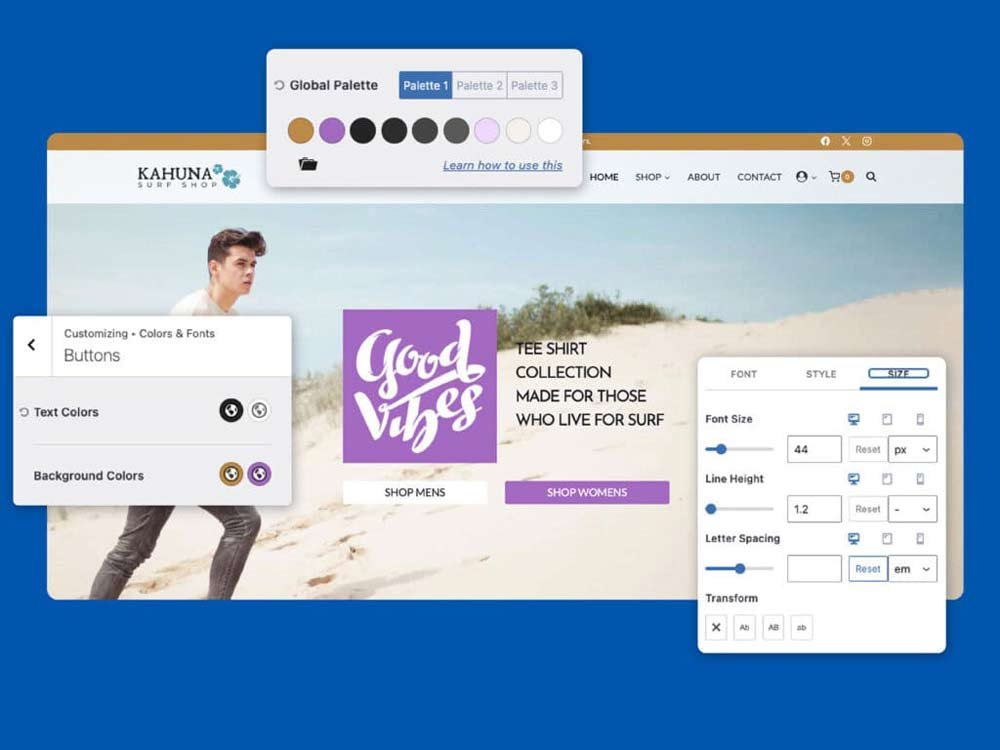
6. Kadence — Performance-first, WooCommerce-ready
Best for: Online stores, course platforms, marketing-led sites
Price: Free / Pro from $79/yr
Standout: Incredibly lightweight, intuitive drag-and-drop header and footer builder, excellent accessibility, deep WooCommerce and Kadence Blocks integration.
Worth knowing: Pro pricing is slightly higher than alternatives. Documentation can be inconsistent in places.
Kadence has quietly become the go-to theme for WordPress professionals who care about performance. It’s fast, clean, and the free version includes more than most premium themes. If you’re building a course platform or content-commerce site, the Kadence ecosystem (theme + blocks + plugins) is worth serious consideration.
Best for: Course creators, membership sites, and small businesses where speed and store functionality both matter.
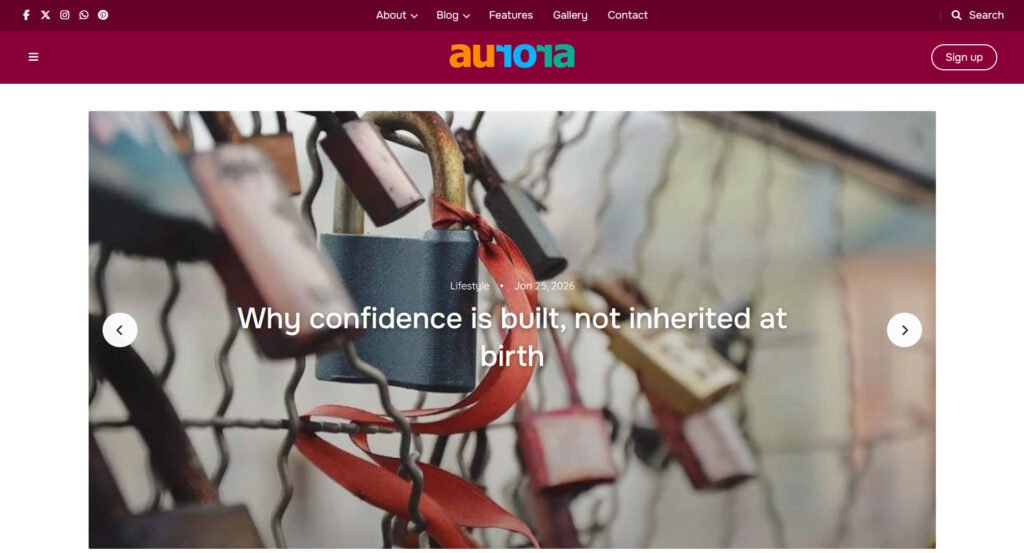
7. Aurora — Built for content-led businesses
Best for: Creator-entrepreneurs: bloggers, coaches, writers, personal brands
Price: $39 one-time payment
Standout: 8 header styles, 5 homepage layouts, 13 archive styles with masonry and Ajax load-more, 10 single post layouts, 5 footers. Deep Customizer control, RTL support, no page builder required.
Worth knowing: Not a traditional business theme — no service/agency page templates or WooCommerce focus. This is the specialist option.
Aurora is intentionally the outlier in this list. It's not trying to be Astra or Kadence. If your small business is built around your content and your personal brand; a blog that generates leads, a writing business, a coach who publishes regularly. Aurora's layout depth and blog-first design are genuinely hard to match at this price point.
One thing worth noting: Aurora’s $39 is a one-time payment, not a subscription. Every other theme in this roundup charges annually for pro features. Over two or three years, that difference adds up.
Best for: Creator-entrepreneurs and solopreneurs whose business runs on content: bloggers, coaches, writers, and anyone building a personal brand online.
Quick Comparison
| Theme | Free Version? | Paid From | Builder Needed? | Best Business Type |
|---|---|---|---|---|
| Astra | Yes | $59/yr | Optional | Agencies, startups, general business |
| Neve | Yes | $69/yr | Optional | Small business, portfolios |
| OceanWP | Yes | $35/yr | Optional | WooCommerce, service businesses |
| Divi | No | $89/yr | Built-in | Visual builders, design-led businesses |
| Blocksy | Yes | $69/yr | Optional | Creative businesses, freelancers |
| Kadence | Yes | $79/yr | Optional | Stores, course platforms, service sites |
| Aurora | No | $39 once | No | Creator-entrepreneurs, content-led biz |
Which One Should You Actually Pick?
Stop overthinking it. Here’s the short version:
- You’re a service business or agency and want flexibility + a huge template library → Astra.
- You want the fastest possible setup and a clean, professional look → Neve.
- You’re selling products or services online and want WooCommerce depth → OceanWP or Kadence.
- You want to design everything visually without writing code → Divi.
- You’re a creative or freelancer who wants something beautiful out of the box → Blocksy.
- Your business runs on your content: blogging, coaching, writing, personal brand → Aurora.
A few themes are worth downloading the free version and trying before you decide; Astra, Neve, Blocksy, and Kadence all have solid free tiers. Spend an hour with each one and see which feels most intuitive for how you work.
And don’t make the mistake of choosing based on which demo looks best. Demos are styled by professionals with professional photography. Choose based on the underlying flexibility, the feature set, and the quality of support.
In Summary...
There’s no single ‘best’ WordPress theme for small business, but there’s the best one for your type of business, your technical comfort level, and how you plan to grow.
What all seven themes in this list have in common: they’re actively maintained, fast, and genuinely used by real businesses. None of them are going anywhere. Pick the one that fits your situation, launch your site, and start building the thing that actually matters: your content, your services, your audience.
Your theme is a tool. Use it like one.
