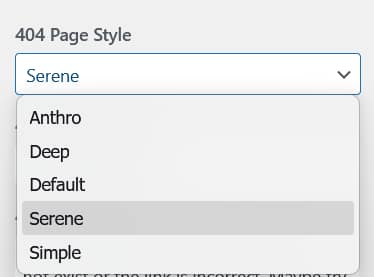
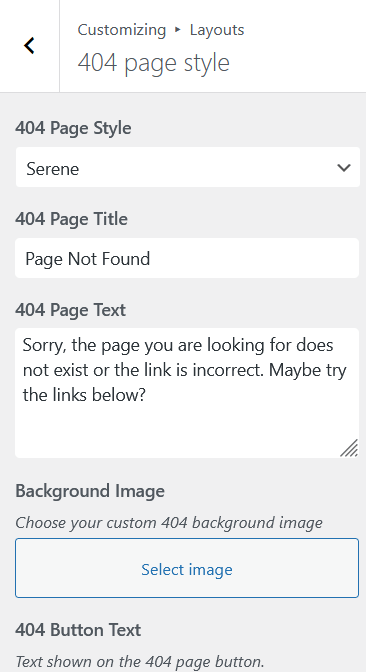
Aurora includes five 404 page layouts and a full set of customization options for the error page. Switch layouts and configure the content from Appearance → Customize → Layouts → 404 Page Style.
The Layouts
Default
Split layout. The left half shows the “Page Not Found” title, message text, navigation links, and CTA button on the page background. The right half is a user-set background image filling the full height of the split.
Simple
No image. Page background only. An enormous “404” numeral centered at the top in a large bold font. “Page Not Found” title centered below. Message text, navigation links in a row, and CTA button all centered below that.
Deep
A full-viewport background image. Ships with a default illustration of a tropical island, palm tree, question mark speech bubble, and submarine underwater. The image is user-replaceable from the Customizer. Content is centered over the image: “Page Not Found” title, message text, navigation links in a row, and CTA button.
Serene
Full-viewport user-set background image. Content is left-aligned and overlaid on the image: a large outlined “404” numeral at the top-left, a tagline below it, then the “Page Not Found” title, message text, bulleted navigation links, and CTA button.
Anthro
Page background, no banner image. A fixed built-in illustration of a woolly mammoth holding a wooden “404” sign surrounded by flowers sits on the left. Navigation links appear in a row near the top-right, followed by the “Page Not Found” title, message text, and CTA button on the right. The illustration is fixed and cannot be replaced.
Customization Options
All five layouts share the same set of content settings under Layouts → 404 Page Style:
| Setting | Default value |
|---|---|
| Page title | Page Not Found |
| Body text | Sorry, the page you are looking for does not exist or the link is incorrect. |
| Button text | Back to Home |
| Button URL | Your site’s homepage |
| Background image | User-set on Default, Serene, and Deep (Deep ships with a default that can be replaced). Anthro uses a fixed illustration; Simple uses no image. |
404 Navigation Menu
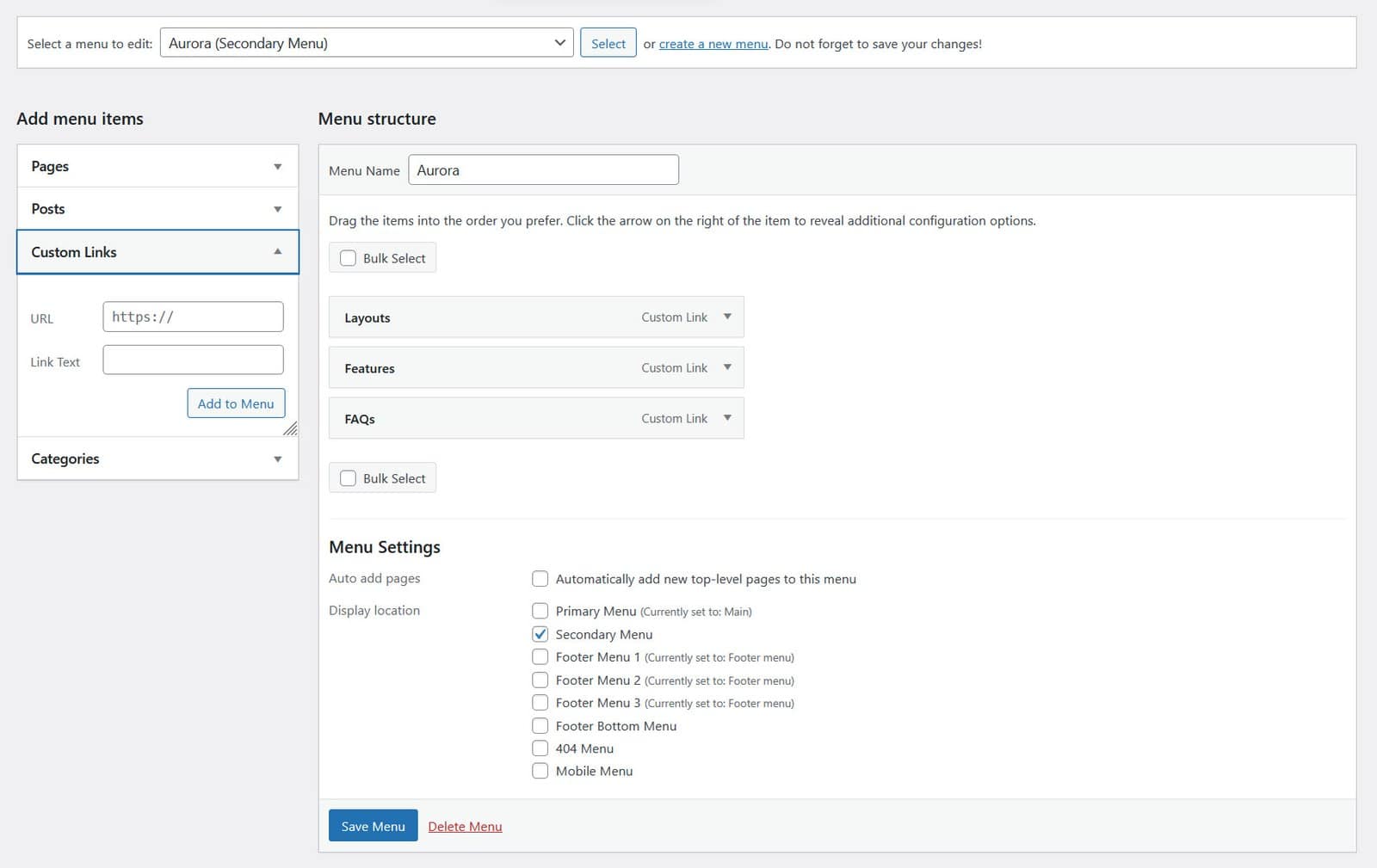
Aurora includes a dedicated 404 Menu location. Assign a menu to it and it appears on the 404 page, giving lost visitors a set of helpful links. See How to Assign the 404 Navigation Menu for setup steps.