Aurora is distributed as a ZIP file. This guide covers two installation methods: through the WordPress dashboard and via FTP. The dashboard method is faster and works for most setups. Use FTP if your host has a file size upload limit that blocks the dashboard method.
Method 1: Install via the WordPress Dashboard
- Log in to your WordPress dashboard.
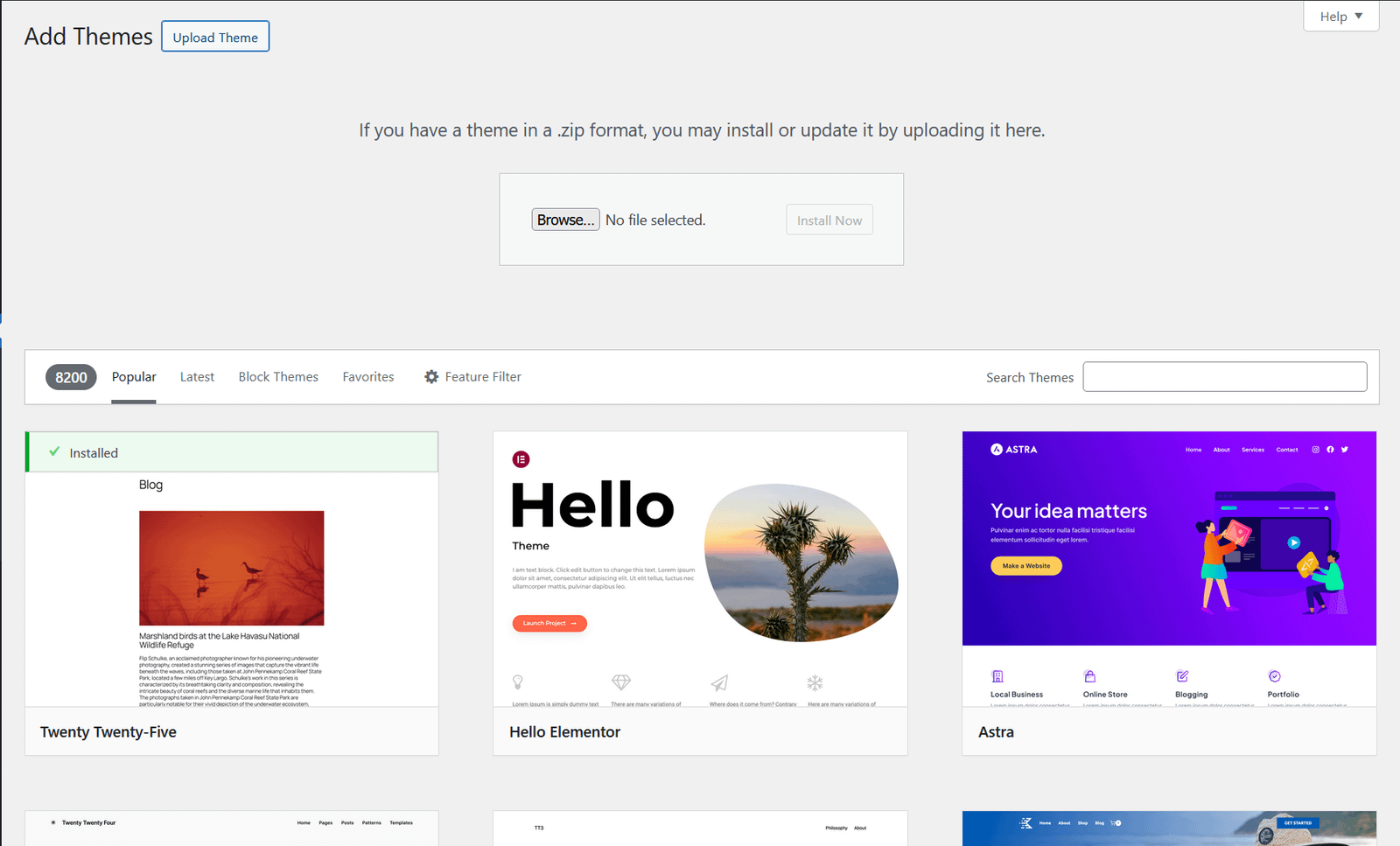
- Go to Appearance → Themes.
- Click Add New Theme at the top of the page.
- Click Upload Theme.
- Click Choose File, then select the
aurora-pro.zipfile you downloaded. - Click Install Now.
- Once installation completes, click Activate.
That is it. Aurora is now active on your site.
If you are upgrading from the trial version, see Upgrading from Aurora Trial to Aurora Pro for the correct installation order.
Method 2: Install via FTP
Use this method if you see an error like “The uploaded file exceeds the upload_max_filesize directive” during the dashboard upload.
- Unzip the
aurora-pro.zipfile on your computer. This produces a folder namedaurora-pro. - Connect to your server using an FTP client (FileZilla is a common free option).
- Navigate to
wp-content/themes/on your server. - Upload the entire
aurora-profolder into that directory. - Once the upload finishes, go to Appearance → Themes in your WordPress dashboard.
- Find Aurora in the list and click Activate.
Common Installation Errors
The uploaded file exceeds the upload_max_filesize directive
Your server’s PHP upload limit is set lower than the Aurora ZIP file size. Either increase the limit in your hosting control panel (look for PHP settings or php.ini) or use the FTP method above.
The package could not be installed. PCLZIP_ERR_BAD_FORMAT
The ZIP file is corrupted or incomplete. Re-download Aurora from your purchase confirmation link and try again.
Destination folder already exists
An older version of Aurora is already installed. Delete the existing theme from Appearance → Themes first (make sure it is not currently active), then install the new version. Alternatively, use FTP to overwrite the folder directly.
Theme is missing the style.css stylesheet
You may have uploaded the outer wrapper folder instead of the theme folder itself. Unzip the downloaded file, check whether there is a nested folder inside, and upload the inner aurora-pro folder, the one that contains style.css directly.
After Installation
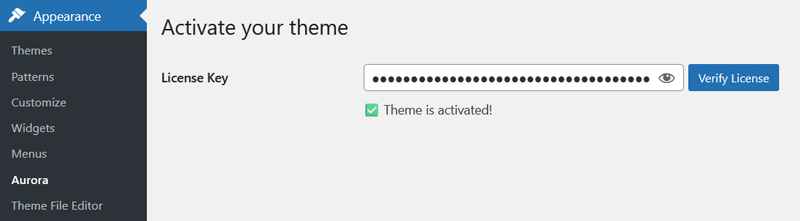
Once Aurora is active, the next step is entering your license key to unlock all layouts. See How to Activate Your Aurora License Key.