

Aurora declares explicit WooCommerce theme support, which means WooCommerce pages — shop, product, cart, checkout, and account — render correctly within Aurora’s layout system without any additional configuration.
What’s Supported
Aurora enables the following WooCommerce features at the theme level:
- Product gallery zoom — product images support zoom on hover
- Product gallery slider — multiple product images display as a sliding gallery
- Product gallery lightbox — product images open in a full-screen lightbox on click
These are active automatically when WooCommerce is installed. No settings to configure.
WooCommerce CSS Loading
Aurora loads its WooCommerce stylesheet only on WooCommerce pages: the shop archive, product pages, cart, checkout, and account pages. Visitors on blog posts, category archives, or any non-WooCommerce page never download the WooCommerce styles. This keeps page weight low for the majority of your traffic.
Layout and Design
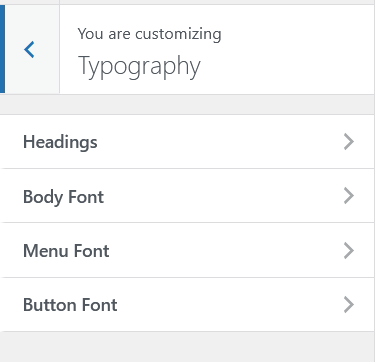
WooCommerce pages render inside Aurora’s active header and footer. Your global colors and typography set in the Customizer apply to WooCommerce pages automatically. Product prices, buttons, and links follow your brand without extra CSS.
Aurora does not provide custom WooCommerce-specific layout templates (product page redesigns, custom cart layouts, etc.). WooCommerce’s own templates handle the product and checkout structure; Aurora wraps them in its site layout.
Sidebar on Shop Pages
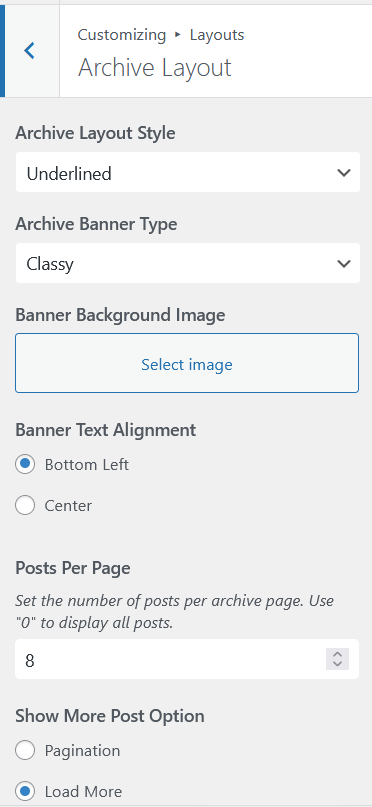
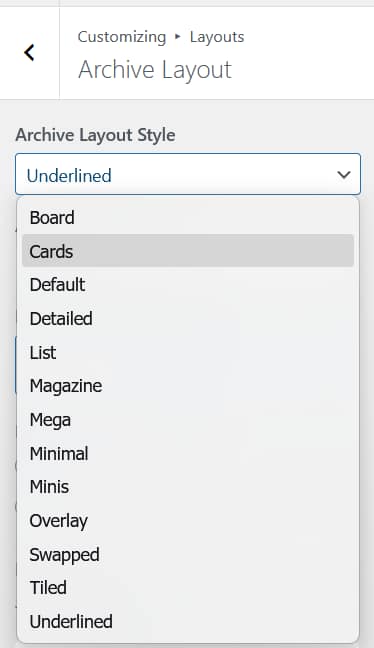
The sidebar on WooCommerce archive pages (the shop page and product categories) follows Aurora’s archive sidebar setting. Toggle it from Appearance → Customize → Layouts → Archive Layout → Sidebar. See How to Show or Hide the Sidebar.
Performance
Because Aurora loads WooCommerce CSS conditionally, adding WooCommerce to your site does not affect the PageSpeed score of your blog pages. See Aurora PageSpeed and Performance for the full picture of what Aurora does for load speed.
Aurora is a blog theme first. WooCommerce works well for adding a simple shop or selling digital products alongside your blog. For a store-first site where WooCommerce is the primary use case, a dedicated WooCommerce theme may serve you better.