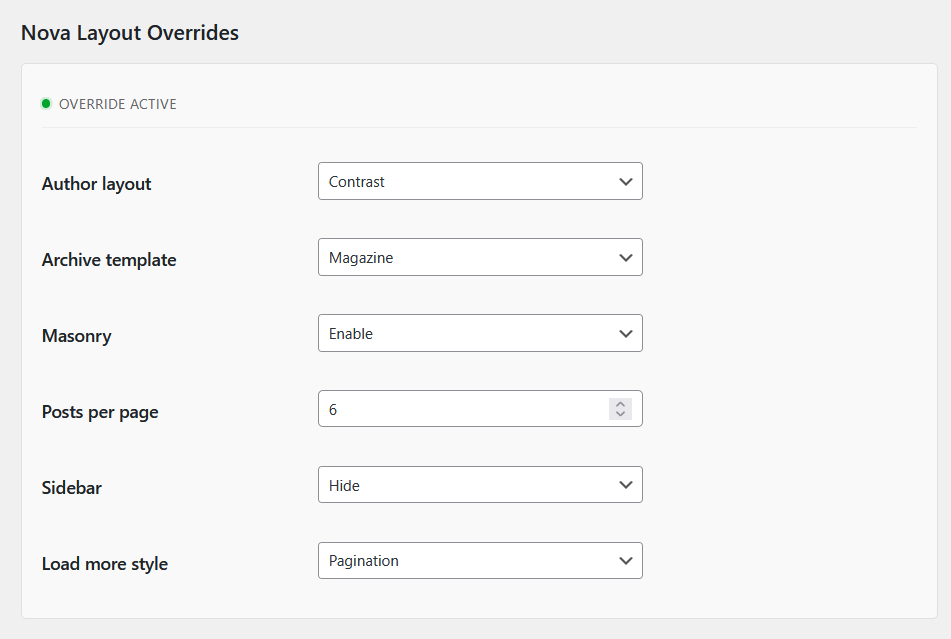
Aurora includes 4 author page layouts. These control how the author profile section appears at the top of an author archive page: the avatar, name, bio, and social links. Below the profile, the author’s posts are displayed using your active archive layout.
How to Switch
- Go to Appearance → Customize.
- Open Layouts → Author Page Layout.
- Click Author Page Layout.
- Select a layout from the dropdown.
- Navigate to an author page in the preview panel to see the result.
- Click Publish when satisfied.
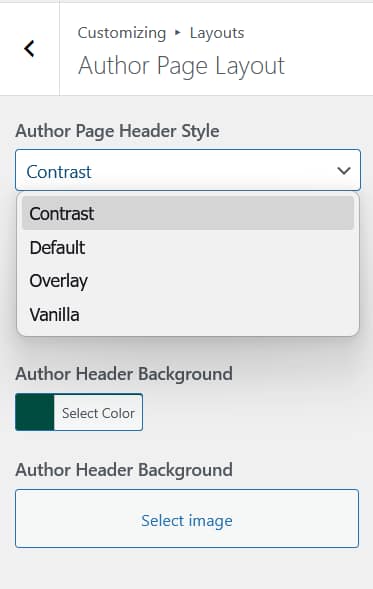
The 4 Author Page Layouts
See the full author page layouts comparison for detailed structure and screenshots.
Default
A full-width banner with a configurable background color, rectangular avatar on the left, and the author name, bio, and social icons on the right.
Contrast
A full-width banner with a user-set background image, a circular avatar on the left, and the author block on the right.
Overlay
The author’s own avatar fills the banner as a background image, with the name, bio, and socials overlaid on the left.
Vanilla
No banner. The author name appears as a large heading on the left, with the bio and socials below it and a rectangular photo on the right.
Author Social Links
All 4 layouts display the author’s social links if they have been added to their WordPress user profile. To add social links to an author profile:
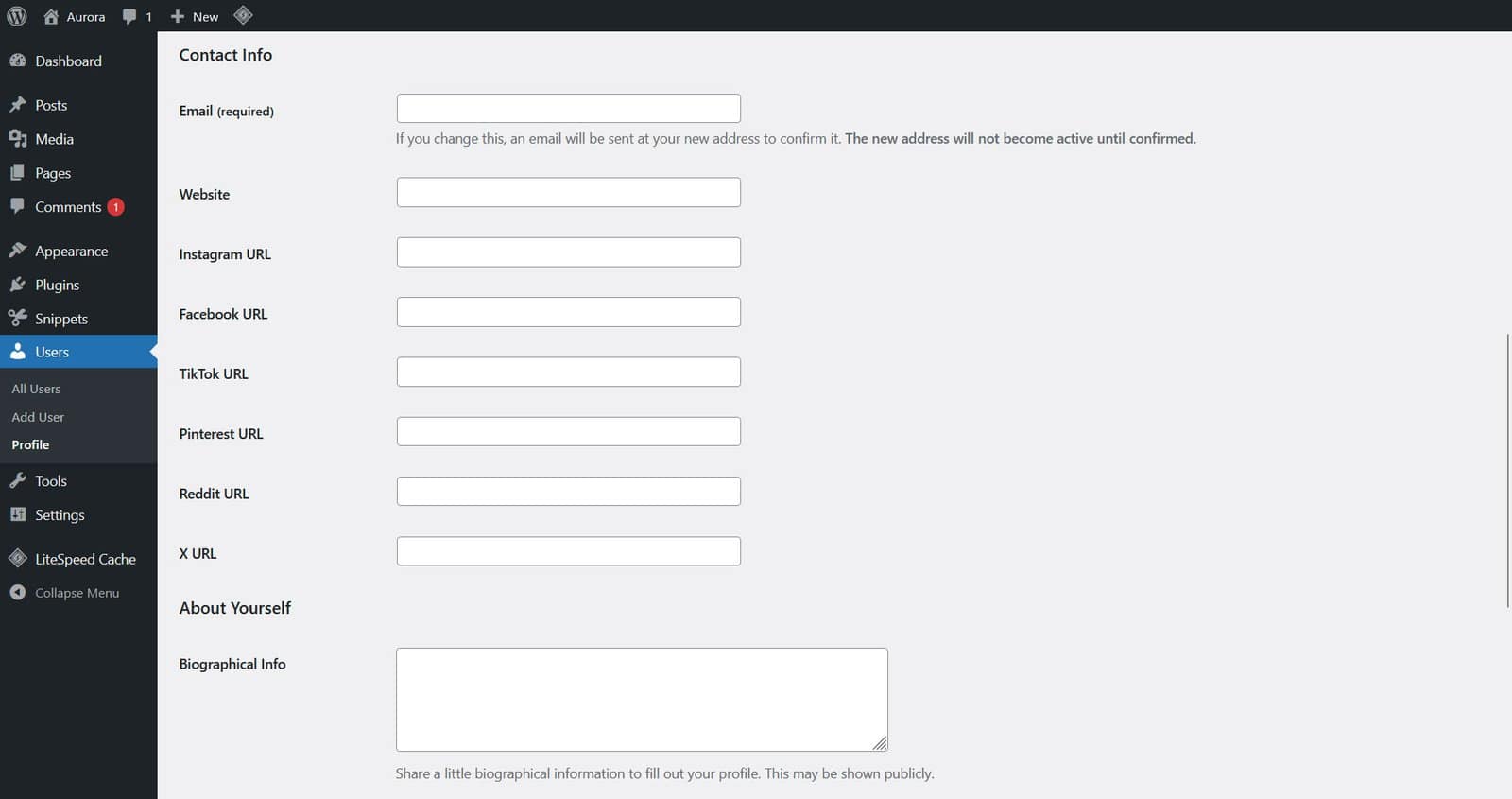
- Go to Users → All Users and click on the author’s name.
- Scroll to the Contact Info section.
- Enter the author’s profile URLs for Instagram, Facebook, TikTok, Pinterest, Reddit, and X.
- Click Update User.
These links appear in the author profile block on author archive pages and in the author bio block at the bottom of single posts.

Author Posts
Below the author profile header, Aurora displays the author’s posts using your active archive layout. This means switching your archive layout also changes how posts appear on author pages. No separate configuration is needed.
Per-Author Overrides with Nova
If you want a specific author’s page to use a different layout from the global settings, the Nova plugin adds override controls to each user’s profile in WP Admin. You can set a different author layout, archive template, masonry preference, and posts per page per author without touching the global Customizer settings.