

Not every Aurora setting is visible all the time. Some options only appear when another setting is configured in a way that makes them relevant. This keeps the Customizer clean and avoids showing controls that would have no effect.
How It Works
When you change a setting in the Customizer, Aurora checks whether related settings should become visible or hidden. This happens in real time, with no page reload required. If a setting disappears after you make a change, it means that setting has no effect in your current configuration.
Examples
Sticky Header Options
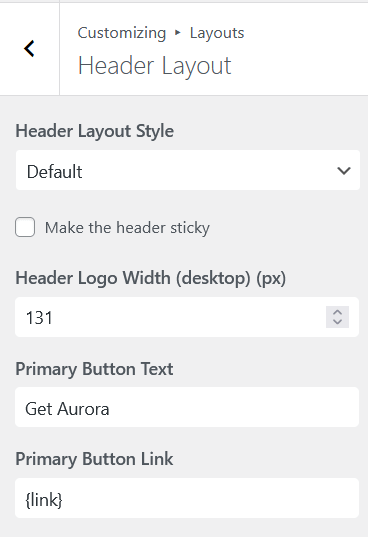
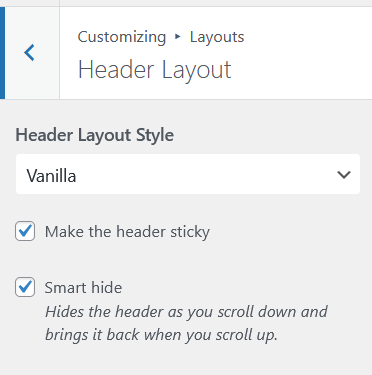
The Smart Hide option — which hides the sticky header when scrolling down and shows it when scrolling up — only appears when the sticky header is enabled. It also only appears on horizontal header layouts, since vertical side-panel headers do not scroll with the page.
Header-Specific Color Controls
Some header color settings — such as the top bar background color — only appear when a header layout that includes a top bar is active. Switching to a layout without a top bar hides those controls automatically.
Archive Banner Image and Alignment
The Banner Background Image and Banner Text Alignment fields only appear when the Archive Banner Type is set to Classy. Setting the banner to Minimal or None hides the image and alignment controls since they have no effect on those styles.
Footer Logo and Bio Settings
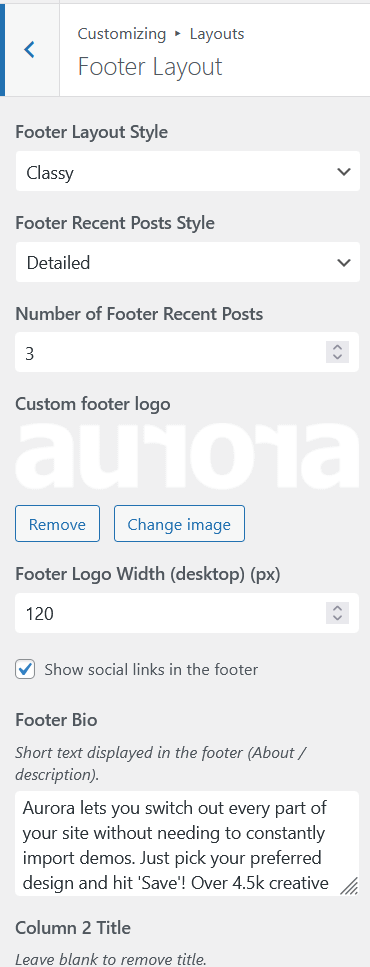
Logo width controls for the footer only appear on footer layouts that include a logo area. The Stripped layout does not, so those controls are hidden when Stripped is selected.
Footer Recent Posts Style
The style selector for footer recent posts — Default, Detailed, or Simple — only appears when a footer layout that supports recent posts is active. Layouts that do not include a recent posts area hide this control.
Custom Date Format Field
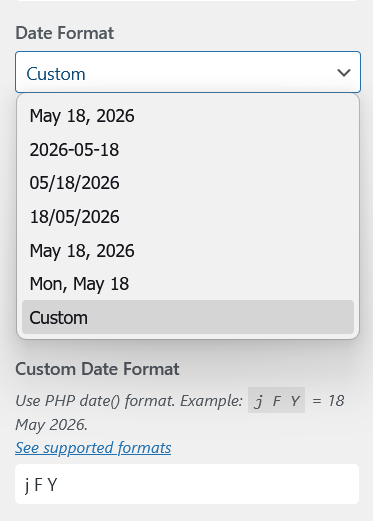
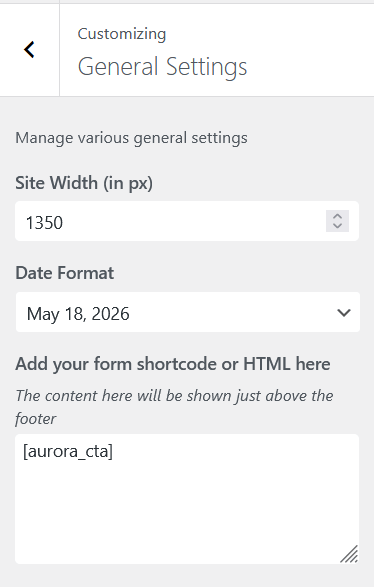
The custom date format input only appears when Date Format is set to Custom. All other format options hide it since the field has no effect when a preset format is selected.
What to Do When a Setting Is Missing
If you cannot find a setting you expect to see, check whether a related setting needs to be configured first. The most common cases:
- A banner setting is missing: check the Archive Banner Type is set to Classy
- A sticky header option is missing: confirm the sticky header toggle is enabled
- A footer setting is missing: check which footer layout is active
If you are still unsure, the Customizer Overview maps every panel and its settings.