

Aurora outputs JSON-LD structured data on every page type automatically. No SEO plugin required, no settings to configure. Search engines and AI crawlers receive accurate, machine-readable information about your content the moment it is published.
What Is Schema Markup?
Schema markup is structured data embedded in a page’s HTML that tells search engines and AI tools what a page is about, not just the words on it, but the meaning behind them. A post with proper schema tells Google it is an article, who wrote it, when it was published, and what category it belongs to. That context improves how your content appears in search results and how AI tools cite and surface it.
What Aurora Outputs Per Page Type
Homepage
Aurora outputs a WebSite schema with your site name, URL, and a SearchAction pointing to your site’s search. This enables the sitelinks search box in Google results for your domain.
Single Posts
Each post receives a NewsArticle (for standard posts) or Article schema containing:
- Headline, description, and publication/modification dates
- Author name and profile URL
- Publisher name and site URL
- Featured image URL
- Article section (primary category)
- Keywords (post tags)
- Language
A BreadcrumbList schema is also output on every single post, tracing the path from home to the primary category to the post itself.
Archive Pages (Category, Tag, Date)
Category and tag archives receive a CollectionPage schema with the archive name and URL, plus a BreadcrumbList schema from home to the current archive.
Author Pages
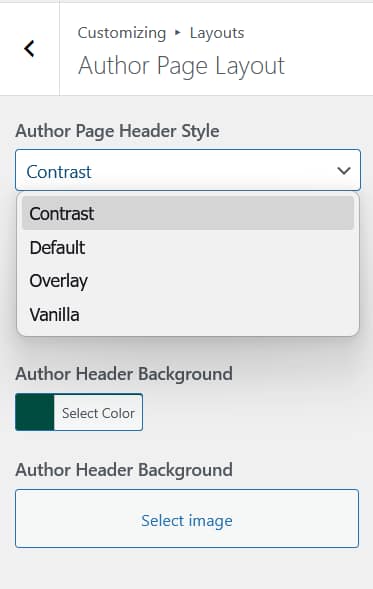
Author archive pages output a ProfilePage schema with the author’s name, profile URL, bio, and avatar image.

Search Results
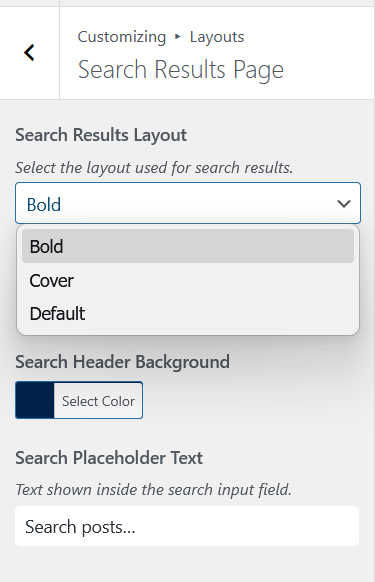
Search results pages output a SearchResultsPage schema with the search query and results URL.
No Plugin Required
Aurora injects all schema directly into the page <head> via WordPress’s wp_head hook. It runs before most other output, ensuring the data is present for every crawler on every page load. This schema output is one part of how Aurora is built for SEO at the theme level.
If you use a dedicated SEO plugin like Yoast SEO, the plugin’s schema output will run alongside Aurora’s. In most cases this is fine. The two sets are complementary. If you want to avoid any overlap, Aurora’s schema output can be removed with a one-line snippet in your child theme’s functions.php:

remove_action( 'wp_head', 'aurora_output_json_ld', 5 );Why It Matters for AI
AI tools that summarise and cite web content, including large language models and AI search engines, rely on structured data to understand authorship, publication dates, and content hierarchy. Aurora’s schema gives your posts the metadata these systems need to attribute and cite your content correctly. Combined with Aurora’s clean HTML output, it creates a strong foundation for how your content is read and understood by machines.