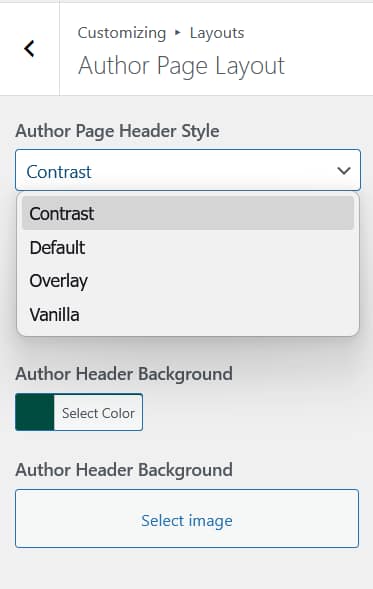
Aurora includes four author page layouts, each controlling how the author profile — bio, avatar, and social links — is displayed. Switch between them from Appearance → Customize → Layouts → Author Page Layout.
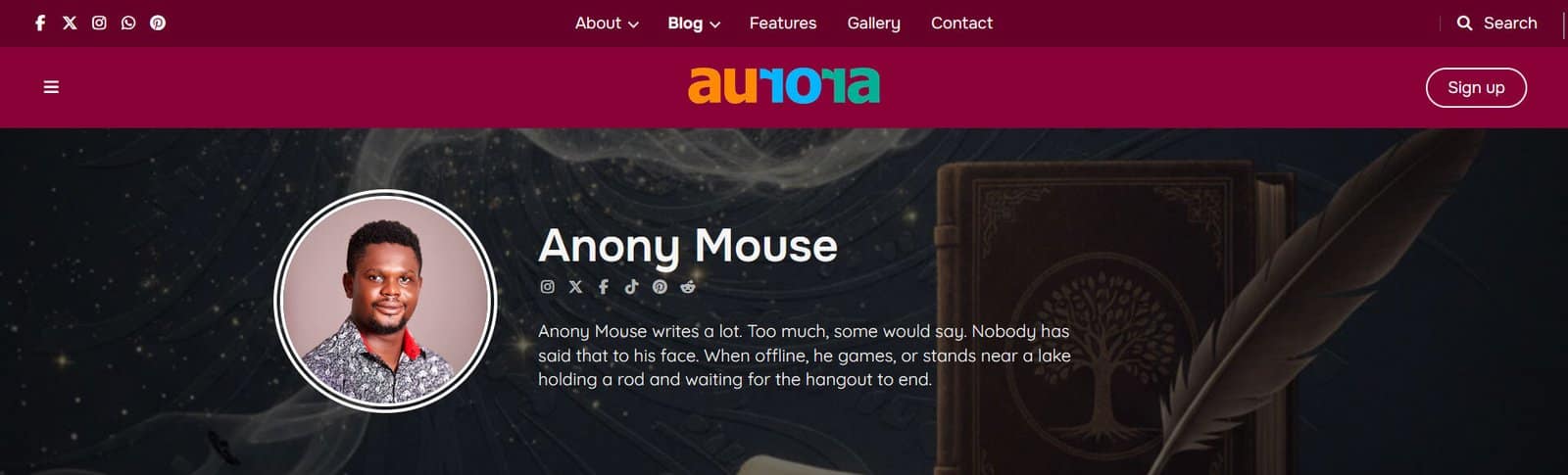
Author pages are accessible from any post byline on the Aurora demo site. Switch layouts from your Customizer to compare the four designs.
Default
A full-width banner with a user-controlled background color. Rectangular author avatar on the left. Author name, bio, and social icons on the right in white text. The post list appears below with a post count heading. No background image.
Contrast
A full-width banner with a user-set background image. Circular-cropped author avatar on the left. Author name, social icons, and bio on the right in white text. The background image is configurable from the Customizer.
Overlay
Full-width banner where the author’s own avatar photo is used as the banner background image, scaled to fill the width. Author name, bio, and social icons are overlaid on the left side in white text. The avatar functions as a background rather than a portrait. It is not cropped into a circle.
Vanilla
No banner. Uses the page background color with no separate header area. The author name is displayed as a large display heading on the left, with bio and social icons below it. A large rectangular author photo sits on the right. Clean layout with no background color or image behind the author block.
What Appears in the Author Block
All layouts draw from the same source: the WordPress user profile. To populate the author block fully, fill in the following fields on the user’s profile page (Users → Edit):

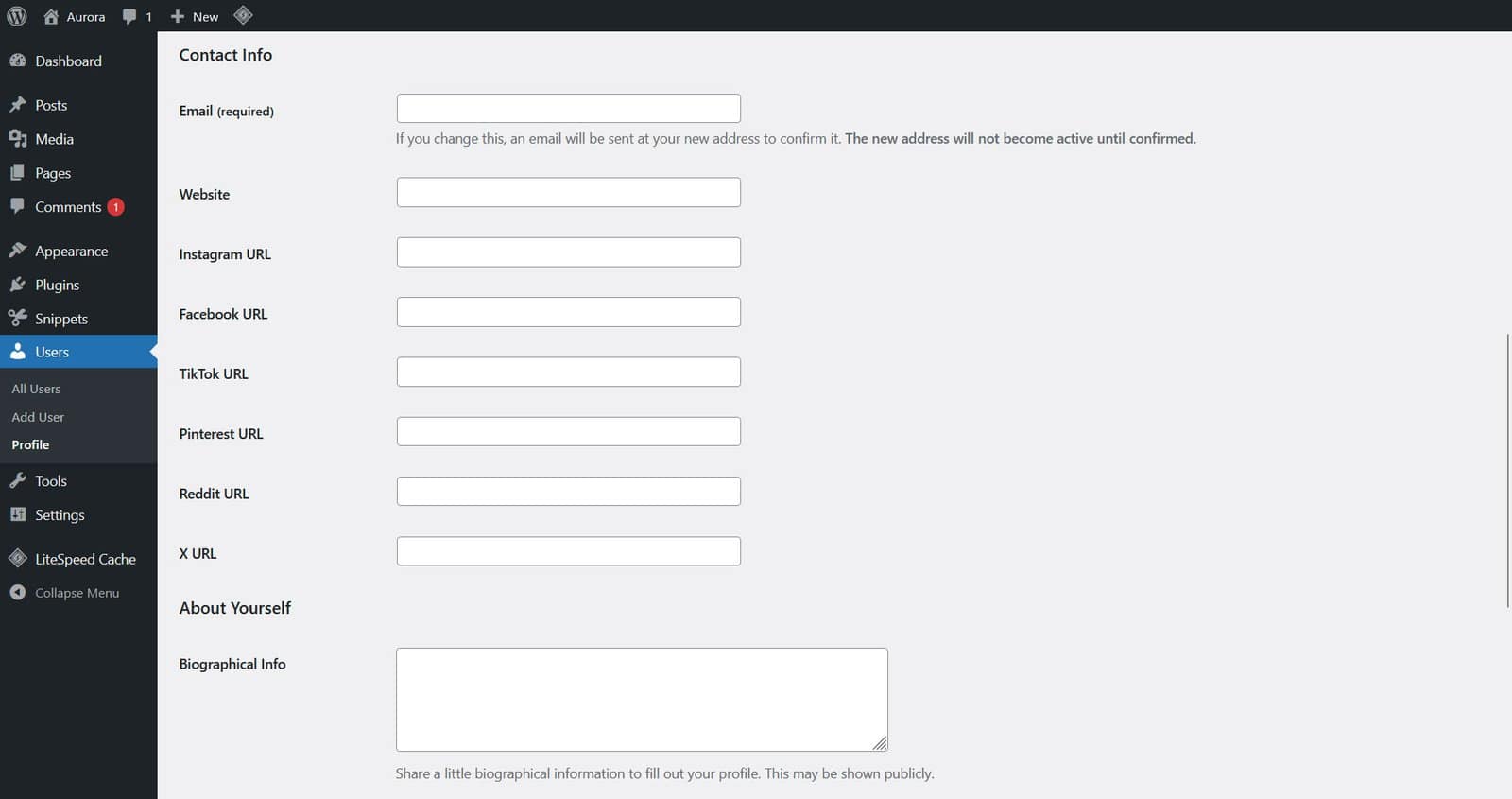
- Display name: shown as the author’s name
- Biographical Info: the author bio text
- Profile photo: served via Gravatar linked to the user’s email
- Social links: Aurora adds X, Instagram, Facebook, TikTok, Pinterest, and Reddit fields to each user profile
Per-Author Overrides
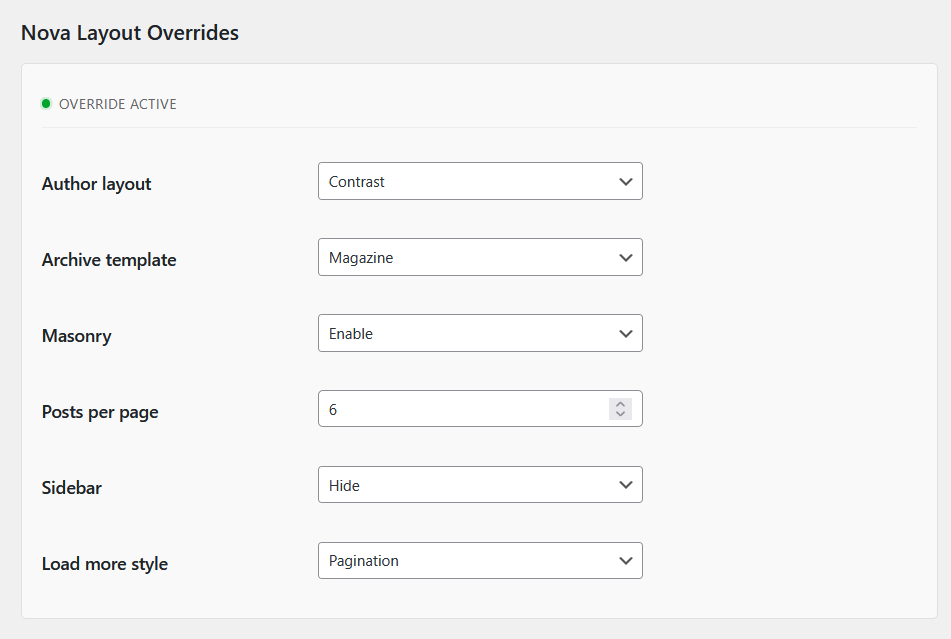
The layout set in the Customizer applies to all author pages. To use a different layout for a specific author, the Nova plugin adds override controls to each user’s profile page.